Sep. 30, 2026
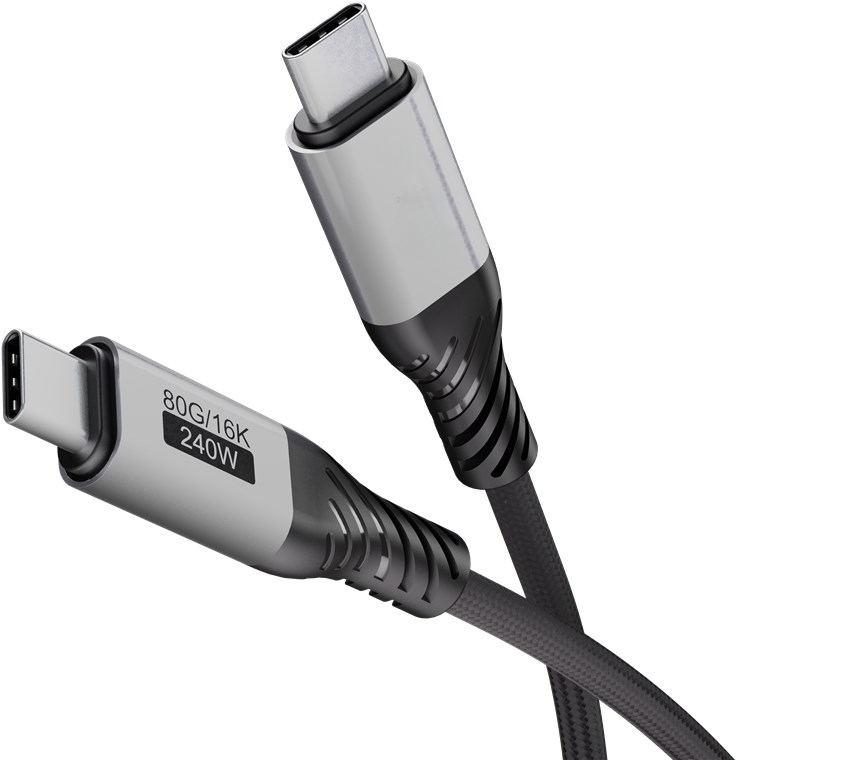
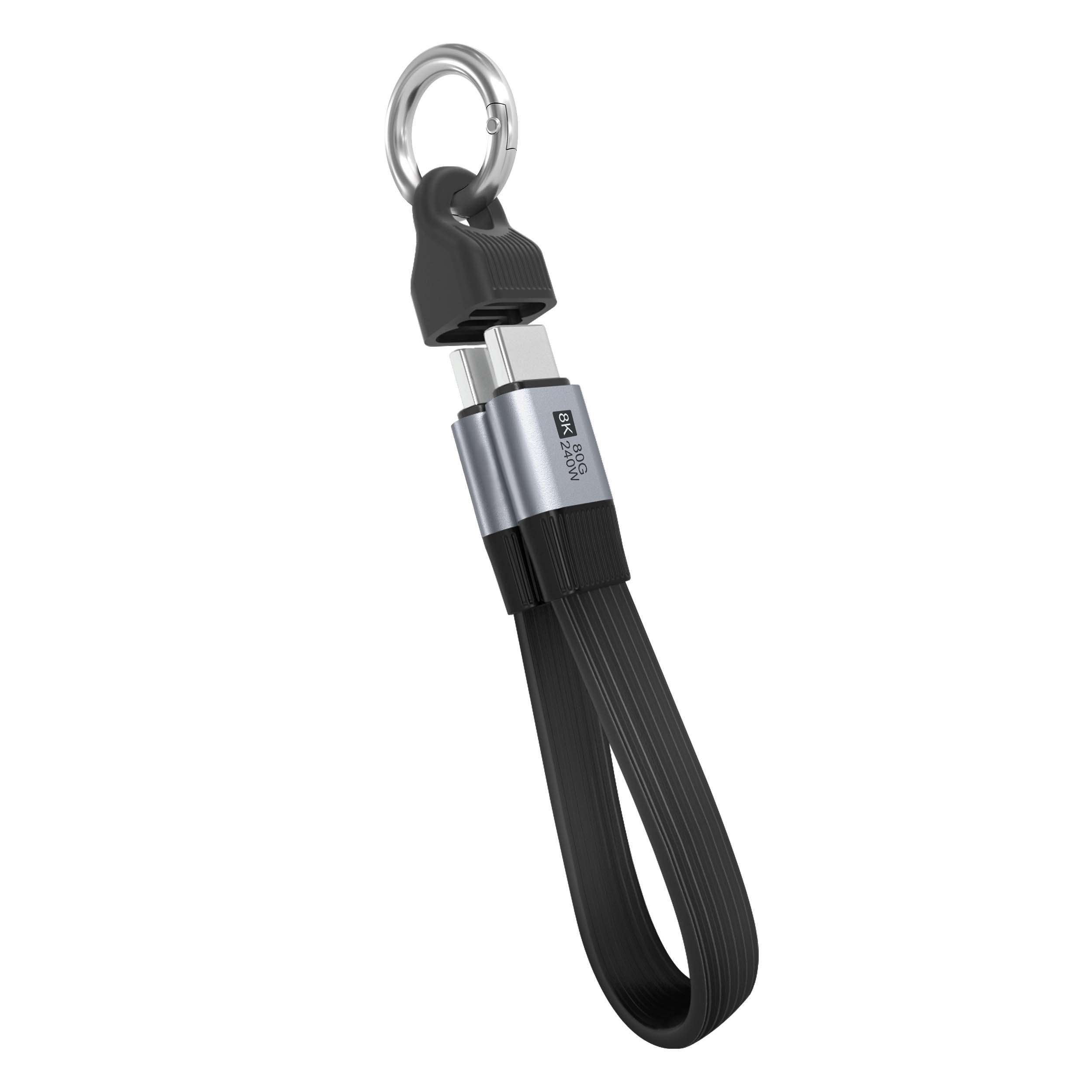
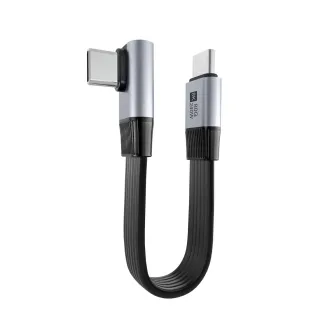
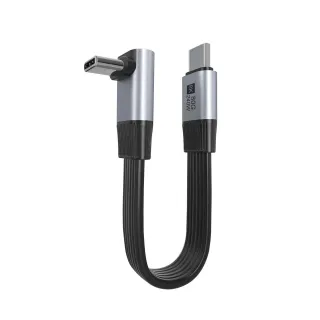
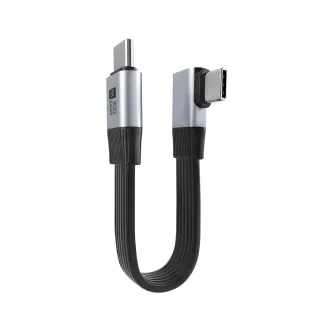
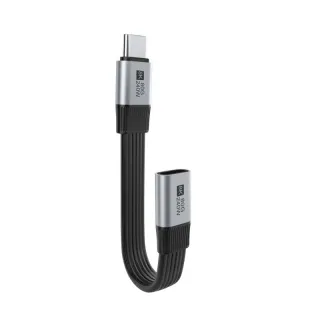
When it comes to ensuring the performance of your devices, using a USB4 Flat Cable 40G 240W can significantly enhance data transfer speeds and power delivery. But how can you determine the quality of your cable? My goal is to provide you with clear, actionable steps to test the quality of your USB4 Flat Cable efficiently and effectively, so you can avoid potential headaches down the line.
To ensure optimal performance from your USB4 Flat Cable, follow these essential steps that not only simplify the process but also guarantee you achieve accurate results.
Before diving into the testing process, ensure you have the following tools at hand:
Begin with a thorough inspection of your USB4 Flat Cable. Check for any physical damage such as:
This simple physical check can save you time and resources by identifying visible issues before testing.
To ensure your cable can handle the specifications of USB4 standards, let’s measure the data transfer speed:
For a quality USB4 cable, you should see speeds reach up to 40 Gbps. If your results are significantly lower, this indicates an inferior product.
Next, it’s crucial to check that your cable can deliver the necessary power:
For optimal performance, check that power delivery is stable and consistent, with minimal fluctuation. For USB4, maintain voltage around 20V and current close to 12A.
Using a multimeter, you can check the continuity of your cable:
By performing these checks, you’re adhering to essential industry standards and ensuring high-quality performance according to test standards like ASTMD standard specifications.
During this testing process, you may encounter several challenges such as:
Inconsistent Data Speeds: If you notice inconsistent data speeds, verify the quality of your USB-C connectors and the compatibility of your devices.
Power Delivery Issues: If the power output is unstable, inspect the connectors for damage or dirt, which could impact connectivity.
Using the Wrong Tools: Ensure your tools are calibrated correctly to get accurate readings.
Overcoming these obstacles can prevent inadequate performance and save you resources.
For more thorough testing, consider investing in high-quality diagnostic software that provides detailed insights on cable performance, including bandwidth and latency metrics.
Testing the quality of your USB4 Flat Cable 40G 240W is crucial in maintaining your device's efficiency and longevity. By following these streamlined steps—gathering your tools, performing visual inspections, measuring data transfer speeds, assessing power delivery, and checking continuity—you'll ensure that your cables meet industry standards (ASTM, DIN) for quality and reliability. Don't wait for technology failures; take proactive measures today!
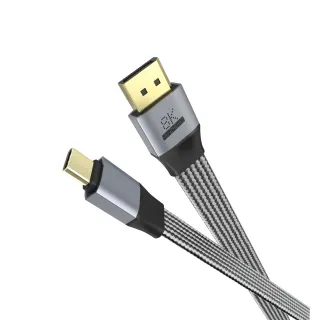
For further inquiries, refer to LENSHUO or follow this helpful visual reference: 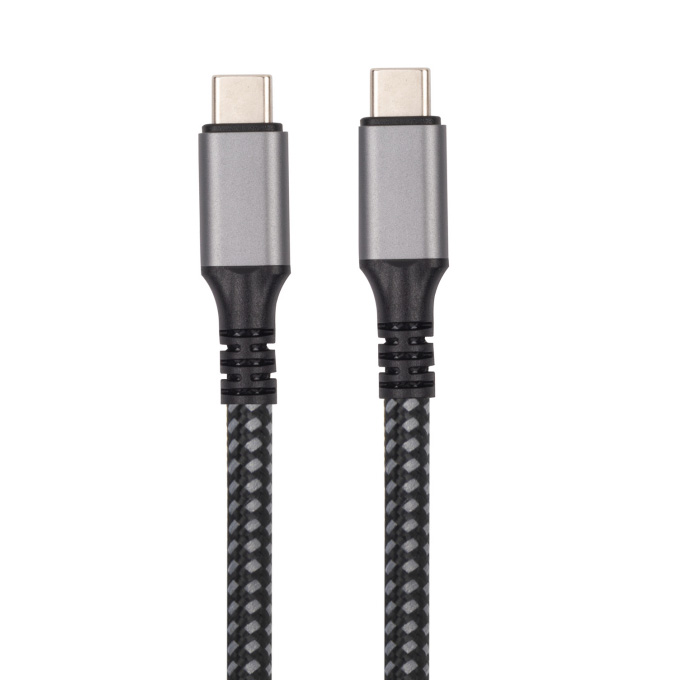 . Implement these practices now to guarantee the optimal functionality of your devices!
Give Us A Call
+86 136 6270 0743
Send Us A Message
Official Location
Shipai Town, Dongguan City, Guangdong, China

As source factory, we have the most strict requirements on quality and service. We can video the production process for clients and provide free samples for quality testing.
Navigation
Products
Media Center