Sep. 30, 2026
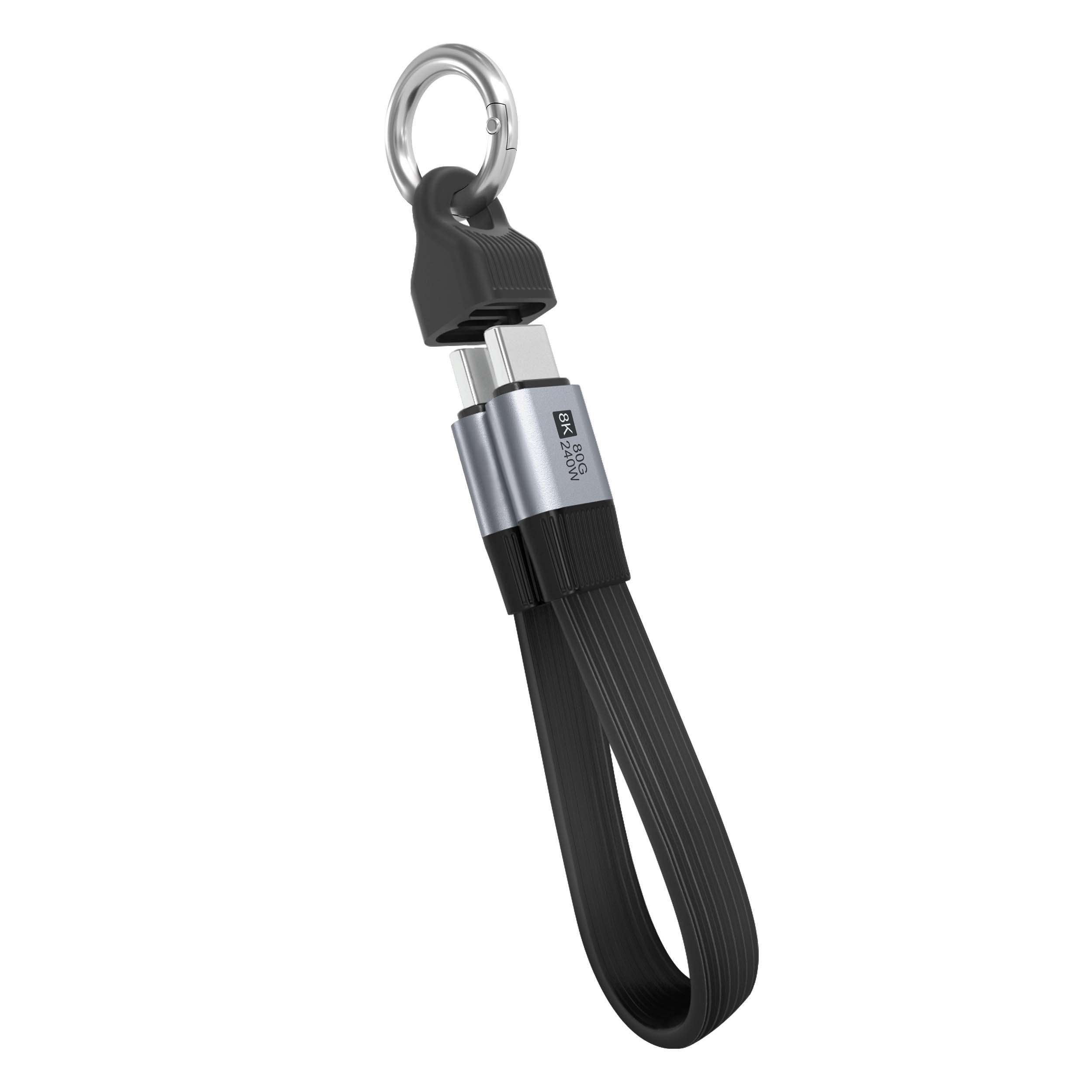
When people search for a USB charging cable versus a data cable comparison, they usually want more than a basic definition. They want to know whether a cable can charge a phone quickly, transfer files reliably, support a particular device, and remain stable after months of daily use. The main purchasing pain points are usually unclear specifications, misleading fast charging claims, poor connector durability, unstable data transmission, and uncertainty about compatibility.
As a usb cable manufacturer, LENSHUO focuses on matching cable construction and technical specifications with real user requirements rather than judging a cable only by its appearance.

A charging cable normally prioritizes power delivery, connector safety, flexibility, and resistance to repeated bending. Some charging-only cables contain power wires without complete data lines, so they may charge a device but fail to connect it to a computer for file transfer.
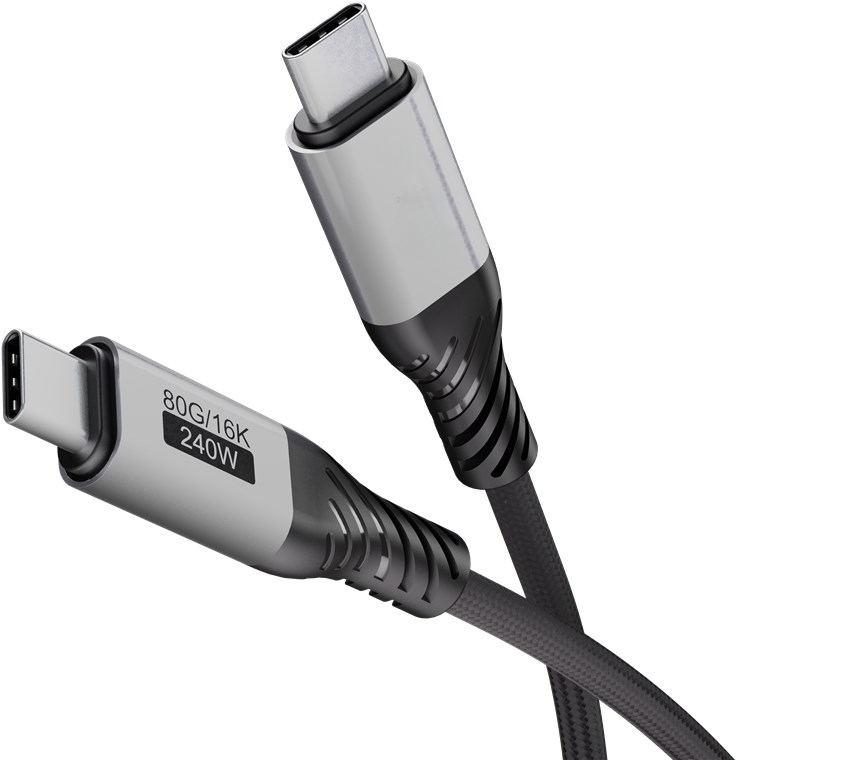
A data cable includes power conductors and data conductors. Depending on its construction and protocol, it can charge a device, transfer files, connect peripherals, support debugging, or communicate with a computer. However, the presence of data wires does not automatically mean that the cable supports high-speed data or high-wattage charging.
Many cables look identical from the outside, but their internal wiring and electronic components can be completely different. The following table summarizes common performance ranges. Actual performance depends on the device, charger, host port, protocol, cable length, and power management system.
| Parameter | Charging cable | Data cable | What buyers should check |
|---|---|---|---|
| Main purpose | Power delivery | Power delivery and data transmission | Choose a data cable if computer connection is required. |
| Data wires | May be absent | Usually included | Confirm whether the product is charging-only or sync-enabled. |
| USB 2.0 data speed | Not supported or not guaranteed | Up to 480 Mbps under suitable conditions | Useful for ordinary photos, documents, and device synchronization. |
| Higher-speed data | Usually unavailable | Available only when the cable and devices support the same protocol | Look for clearly stated USB 3.x or USB4 specifications. |
| Charging power | Often optimized for charging | May support charging, but the rating varies greatly | Check wattage, current, voltage, and any required e-marker. |
| Signal stability | Not relevant for data transfer | Depends on shielding, conductor quality, connectors, and length | Important for external drives, cameras, and long file transfers. |
| Typical construction | Power conductors and protective insulation | Power conductors, data conductors, shielding, and protective insulation | More internal components do not always mean better quality, so test results matter. |
| Best use | Routine charging | Charging, synchronization, and data transfer | Select according to the task instead of buying by price alone. |
A cable may be labeled for a high wattage, but the final charging speed is limited by the weakest part of the system. The phone, charger, cable, charging protocol, connector, and battery management system must all support the same requirement. A high-power cable cannot make a low-power charger deliver more energy than it is designed to provide.
During practical use, charging performance is not judged only by the initial percentage increase. A reliable cable should maintain a stable connection, avoid excessive connector heating, and reduce unnecessary interruptions. Cable resistance affects voltage drop, especially when the cable is long, thin, damaged, or used at a high current.
For example, a short, well-built cable may maintain a more stable charging current than a low-cost cable with thin conductors. The difference becomes more noticeable when charging a phone during gaming, navigation, video recording, or other activities that consume power while charging.
A charging-only cable can be a sensible choice for a fixed charging location, a power bank, a bedside table, or a public charging kit where data transfer is not needed. It may also reduce unnecessary cost when the only task is charging a compatible device.
However, buyers should not assume that every charging-only cable is automatically safer or faster. Charging stability still depends on conductor size, insulation, connector assembly, contact quality, and manufacturing control.
When transferring photos, videos, documents, or backups, a complete data cable is more versatile than a charging-only cable. The user can connect a phone to a computer, transfer files, update software, use developer tools, or connect selected USB accessories.
In actual use, a stable data cable should remain connected when the device or cable is moved slightly. It should also avoid sudden disconnections during large file transfers. Stability depends on the quality of the data conductors, shielding, connector contacts, soldering, and compatibility between the cable and host devices.
A label such as high speed is not precise enough for purchasing. Buyers should look for an actual protocol or maximum transfer rate. The computer port and device port must also support that rate. If one part of the connection supports only USB 2.0, the whole connection will normally operate at the lower level.
Transfer speed also changes with file type. Thousands of small files often transfer more slowly than one large file because the device must process each file separately. This is why a cable that appears fast in one test may deliver a different result in everyday backup use.
The connector is one of the most frequently damaged parts of a cable. Repeated pulling, twisting, side pressure, and insertion at an angle can loosen the connector shell or break the internal conductors. A well-designed cable should use firm connector assembly, accurate contact alignment, and flexible strain relief.
A cable should have conductors, insulation, and connectors that match its intended electrical load. Poor materials or inaccurate assembly can cause heat, intermittent charging, unstable data transmission, or premature failure. A braided jacket may improve abrasion resistance, but it does not by itself prove that the cable has better electrical performance.
For higher-power charging, buyers should pay attention to the stated current and wattage, electronic identification requirements, and compatibility with the charging system. For data applications, shielding and signal integrity are especially important when the cable is used near power adapters, monitors, storage devices, or other sources of interference.
Some households benefit from both types. A charging-only cable can remain beside the bed or in the car, while a higher-quality data cable can be reserved for computer synchronization and large file transfers. Separating these tasks can reduce wear on the more advanced cable and make it easier to keep the correct cable in each location.
First, connect the cable to the intended charger and device and observe whether charging begins immediately. Next, use the device while charging and check whether the connection remains stable. Finally, connect it to a computer and transfer a large file if data performance matters. Watch for repeated disconnects, unusually slow transfer, excessive heat, loose connectors, or charging interruptions.
These simple checks reveal problems that may not be visible when the cable is new. They also help distinguish a cable problem from a charger problem or a device port problem.
If the cable will remain connected to a power adapter and the user does not need synchronization, a well-made charging cable can provide good value. The buyer should still confirm the current rating, connector fit, heat behavior, and mechanical durability.
If the cable must charge, transfer files, connect to a computer, or support several types of daily work, a complete data cable is usually the safer purchase. The most important factors are clearly stated protocol support, stable charging, reliable connectors, suitable power capability, and controlled manufacturing quality.
The most effective purchasing decision is to define the task first and then compare the cable's real specifications with the device and charger. A responsible USB cable manufacturer such as LENSHUO can help buyers and businesses select suitable cable structures, power ratings, data protocols, materials, and quality standards for their intended applications.
Give Us A Call
+86 136 6270 0743
Send Us A Message
Official Location
Shipai Town, Dongguan City, Guangdong, China

As source factory, we have the most strict requirements on quality and service. We can video the production process for clients and provide free samples for quality testing.
Navigation
Products
Media Center