Sep. 30, 2026
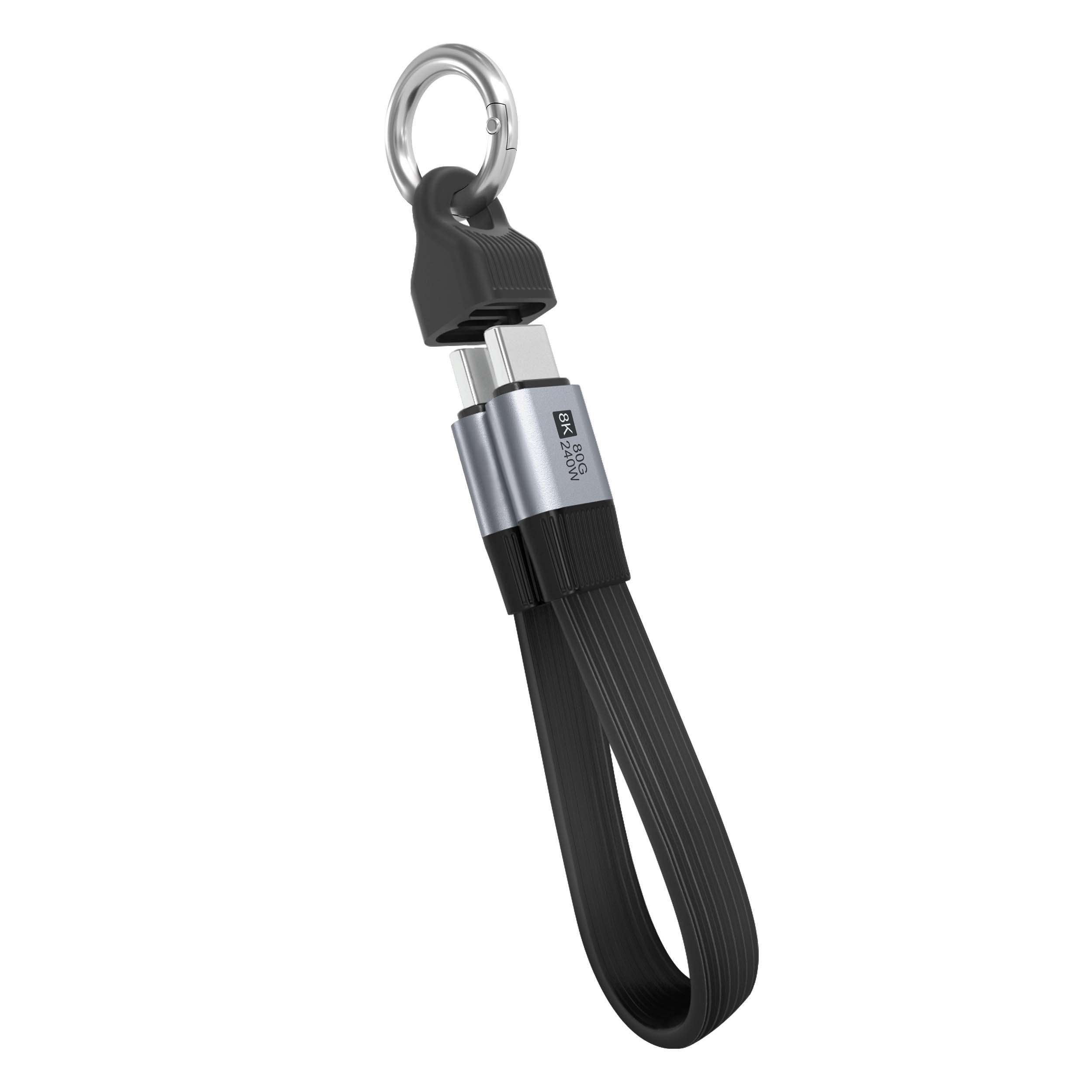
Choosing the right USB cable is a specification problem, not a packaging decision. A custom data cable supplier can help a device maker, IT manager, laboratory engineer, or consumer match the connector, power rating, signal speed, and environmental protection to the application. The most useful search terms—right USB cable for different applications, custom usb cable manufacturer, and USB cable for industrial equipment—point to the same purchasing question: will the cable deliver stable power and data under real operating conditions? This guide compares USB-C PD, USB 3.2 Gen 2, cable shielding, AWG conductor size, impedance control, and e-marker identification so buyers can avoid a cable that fits mechanically but fails electrically.

A USB cable has at least four separate functions: mechanical connection, power delivery, data transmission, and protection against electrical or environmental stress. A phone charging lead may only require USB 2.0 data and 3 A charging, while an external solid-state drive can need USB 3.2 Gen 2 at 10 Gbps with controlled differential impedance. A machine-vision camera may require continuous data transmission, low electromagnetic interference, and a jacket rated for repeated flexing.
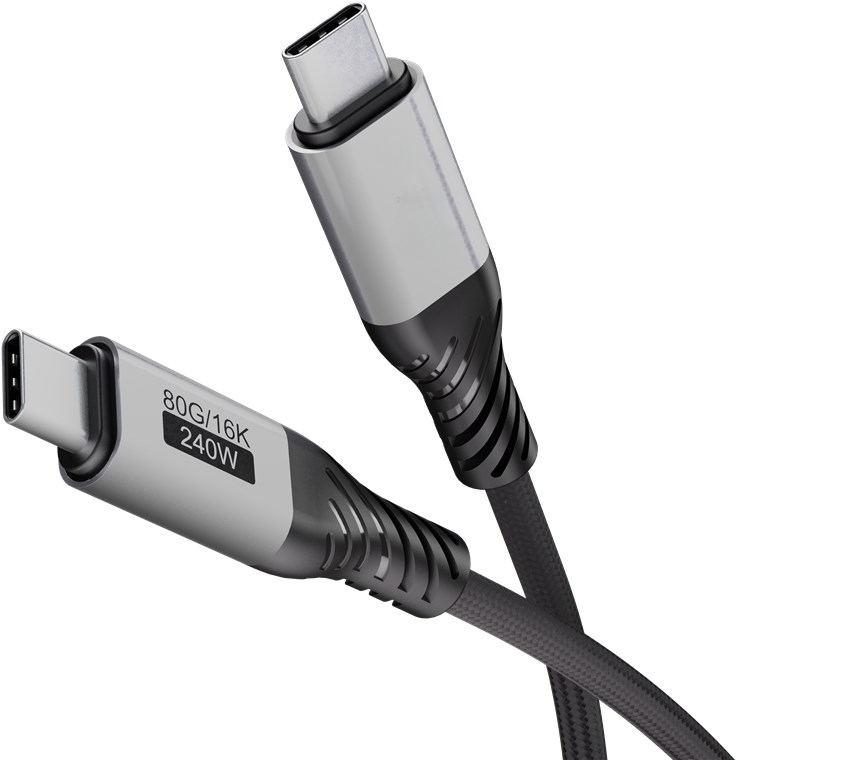
The connector shape does not define the cable’s performance. USB-C describes the reversible connector system, but a USB-C cable may support USB 2.0 at 480 Mbps, USB 3.2 at 5–20 Gbps, USB4 at up to 40 or 80 Gbps depending on the implementation, or charging only. Similarly, USB Power Delivery does not automatically mean that every cable supports 100 W or 240 W.
LENSHUO recommends separating the selection into measurable questions:
USB Power Delivery, commonly called USB PD, negotiates voltage and current between the source, cable, and sink. Standard USB-C current is generally limited to 3 A unless the cable is designed and identified for higher current. A 5 A USB-C PD cable normally uses an electronic marker, or e-marker, so the charger can recognize its current capability. USB PD Extended Power Range can reach 240 W using profiles up to 48 V and 5 A, but the charger, device, connector, thermal design, and cable must all support the same profile.
Power loss can be estimated with the formula Ploss = I2R. If a cable’s total loop resistance is 0.20 ohm and it carries 3 A, resistive loss is 1.8 W. At 5 A, the same resistance produces 5 W of heat. This is why conductor size, contact resistance, cable length, and termination quality become more important as charging power increases.
USB 2.0 uses a maximum signaling rate of 480 Mbps, although application-level throughput is lower after protocol overhead. USB 3.2 Gen 1 reaches 5 Gbps, USB 3.2 Gen 2 reaches 10 Gbps, and USB 3.2 Gen 2x2 reaches 20 Gbps when both host and device support it. A USB4 system may support 40 Gbps, while USB4 Version 2.0 can support up to 80 Gbps in compatible configurations.
High-speed USB cables use differential pairs to transmit data. Their performance depends on characteristic impedance, insertion loss, return loss, crosstalk, pair balance, and shielding. A cable labeled “high speed” without a tested data specification should not be assumed to sustain 10 Gbps. For storage, cameras, docking stations, and test instruments, ask for a compliance report or a measured throughput result rather than relying only on the connector type.
AWG, or American Wire Gauge, describes conductor diameter; a lower AWG number generally indicates a thicker conductor and lower resistance. For example, 24 AWG copper has a larger cross-sectional area than 28 AWG copper and is typically better suited to longer or higher-current power paths. However, the complete cable design also includes power-pair construction, plating, contact resistance, insulation, and temperature rise.
Shielding reduces susceptibility to electromagnetic interference. A cable may use foil shielding, braided shielding, drain wires, or several layers together. USB 3.x cables can generate or receive interference around high-frequency bands, so shield termination and connector shell continuity matter. In an industrial cabinet, a braided shield with suitable grounding may be more useful than a thin consumer cable with a decorative metal jacket.
Write down the connector on the host and the connector on the peripheral: USB-A, USB-B, Micro-USB, Mini-USB, USB-C, or a specialized locking version. Check whether the port is intended for charging, data, video, USB On-The-Go, or multiple functions. USB-C receptacles can be wired for USB 2.0 only, so inspect the device manual or schematic before ordering.
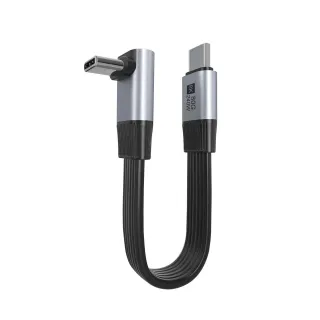
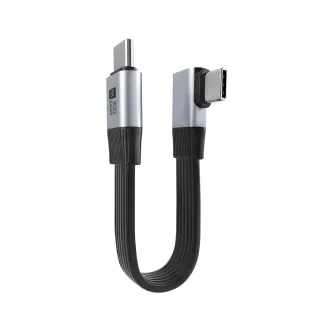
For repeated insertion, vibration, or field service, specify connector retention force, mating-cycle target, shell material, strain relief, and locking features. A right-angle connector may reduce bending at a handheld device, while a screw-lock USB-C connector can prevent accidental disconnection on automation equipment.
Identify the device’s maximum input voltage and current rather than its average consumption. A 5 V, 3 A load requires 15 W; a 20 V, 5 A load requires 100 W. Then calculate or test voltage drop across the complete cable assembly. If a device requires at least 4.75 V at its input and the source supplies 5 V, the allowable drop is only 0.25 V.
For a 2 m cable carrying 3 A, select a conductor and termination design that keeps heating and voltage drop within the equipment limit. Do not use a thin 28 AWG charging lead for a long, continuous 60 W load simply because the connector fits. Request temperature-rise data at the intended current and ambient temperature.
Determine the highest sustained throughput, not the advertised burst speed. A portable SSD used for large video files may benefit from USB 3.2 Gen 2 or USB4, whereas a keyboard, printer, or barcode scanner may perform normally on USB 2.0. If the cable connects to a docking station, verify support for USB data, DisplayPort Alt Mode, and USB PD at the same time.
Test the complete system with the actual host, hub, operating system, and peripheral. A 10 Gbps cable cannot make a 5 Gbps host operate at 10 Gbps, and a USB 2.0 cable cannot be upgraded by using a faster SSD.
Longer cables increase conductor resistance and high-frequency attenuation. For high-speed applications, use the shortest practical length and ask the manufacturer for tested performance at that length. Active cables, redrivers, retimers, or optical USB cables may be required when the distance exceeds the passive copper design limit.
Specify bend radius, flex cycles, pull force, jacket material, and operating temperature. Thermoplastic polyurethane can provide flexible abrasion resistance, while PVC is often selected for general indoor use. Silicone may be useful for low-temperature flexibility, but the final choice should be based on chemical exposure, flame rating, and mechanical testing.
Medical equipment, laboratory analyzers, industrial robots, and outdoor instruments may require low-smoke materials, flame resistance, sterilization compatibility, IP-rated overmolds, or resistance to oil and cleaning agents. Near variable-frequency drives, motors, and radio equipment, specify a controlled shielding and grounding strategy.
For commercial products, confirm applicable requirements such as USB-IF certification, RoHS, REACH, UL material recognition, or regional marking requirements. Certification applies to a defined product configuration; changing the connector, length, wire gauge, or overmold may require a new evaluation.
Before placing a production order, inspect samples for pin continuity, short circuits, contact resistance, cable resistance, insulation resistance, and withstand voltage. For high-speed assemblies, test insertion loss, return loss, crosstalk, eye diagrams, and actual application throughput.
A practical acceptance plan might include 100% continuity testing, a specified pull test on the connector, 500 or more flex cycles for a portable application, and a temperature-rise test at maximum rated current. The exact limits should be written into the drawing and inspection standard instead of communicated informally.
For a laptop, select a USB-C to USB-C cable with the required USB PD rating. A 65 W laptop may need a 5 A, 100 W-capable cable if the charger negotiates 20 V at 3.25 A, while a 140 W laptop charger may require a 5 A e-marked cable and a compatible PD Extended Power Range system. Confirm that the cable’s advertised wattage is continuous and not a short-duration peak.
An external SSD marketed for 10 Gbps needs a host port, enclosure controller, and cable that support USB 3.2 Gen 2. Use a short, shielded cable and verify file-transfer performance with large files. If the measured throughput is close to USB 2.0 levels, inspect the cable, hub, port mode, and operating-system driver rather than immediately replacing the SSD.
For a sensor or PLC accessory, stability may matter more than maximum speed. Choose a cable with locking hardware, a reinforced strain relief, shield continuity, oil-resistant jacket, and a specified flex life. If the application moves continuously, use a cable rated for drag-chain service and test it at the actual bend radius and travel speed.
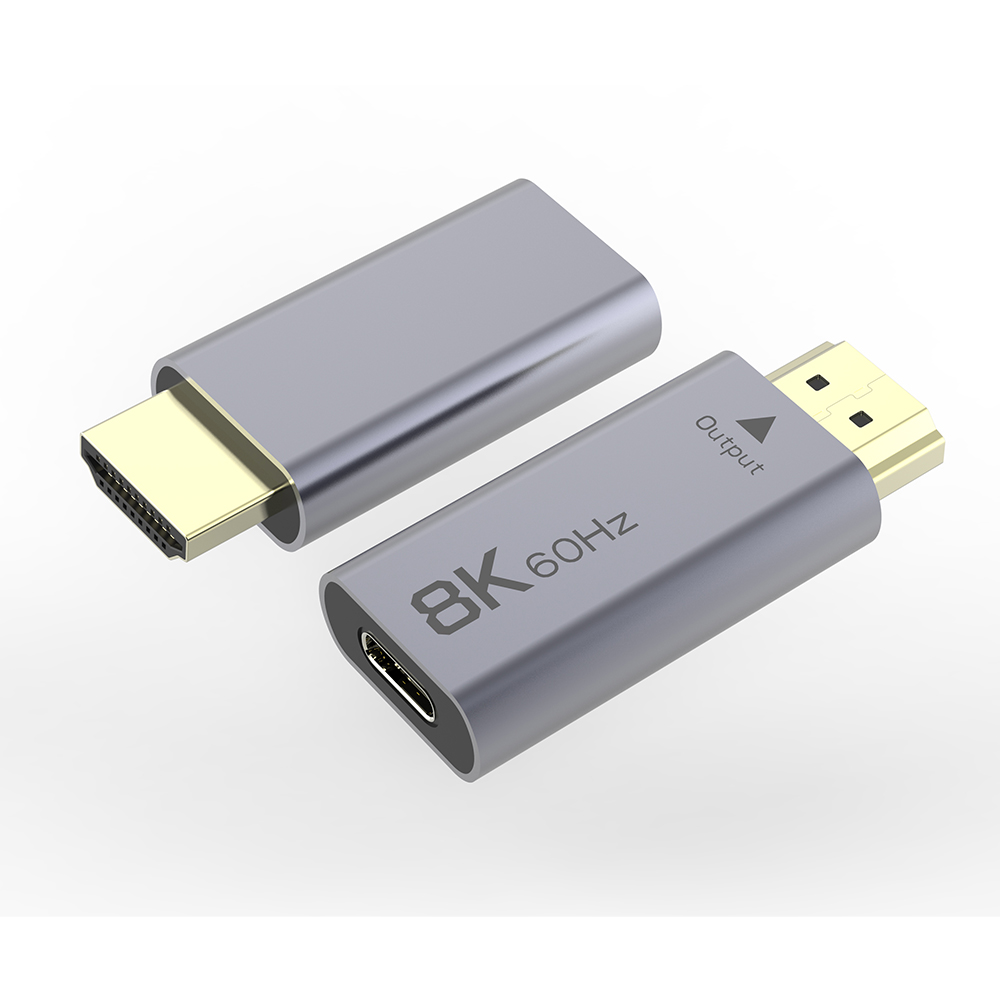
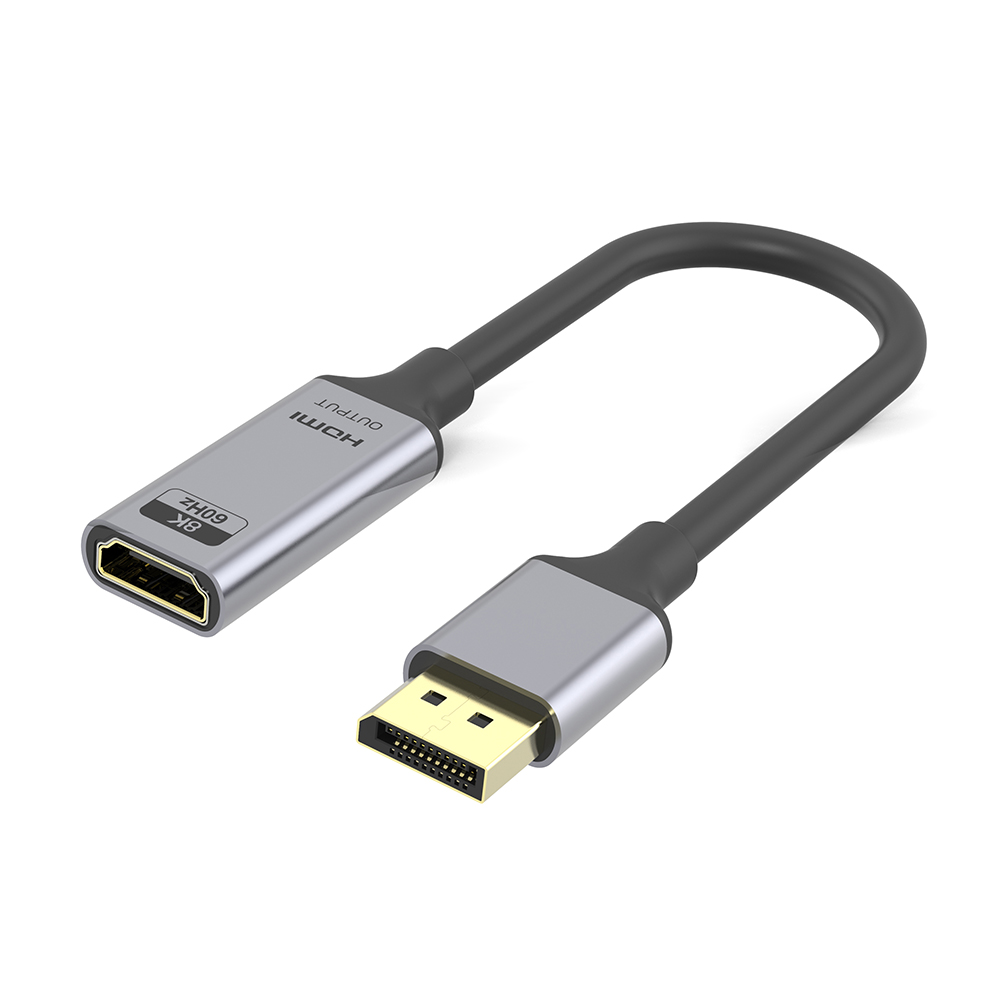
USB-C video output may use DisplayPort Alt Mode, USB4 tunneling, or a proprietary implementation. Confirm the required resolution, refresh rate, color depth, USB data rate, and charging power together. A cable that supports charging and USB 2.0 may not carry the four high-speed lanes required for a high-resolution display.
Use a requirements matrix before requesting quotations. Columns should include connector type, pinout, cable length, conductor AWG, USB generation, PD wattage, e-marker requirement, shield structure, jacket material, bend radius, flex cycles, operating temperature, compliance documents, and inspection criteria.
Ask for a drawing that identifies every conductor and drain wire. Pinout errors are especially costly in custom assemblies because two cables can use the same connector shells but route power, data, identification, or proprietary pins differently. For USB-C, confirm whether all required high-speed lanes are populated and whether the configuration channel includes the intended resistor or e-marker arrangement.
Also distinguish between “supports” and “tested at.” A supplier may support USB 3.2 Gen 2 in theory but have no measured result for the requested 3 m length and overmold. Request test conditions, equipment, sample length, ambient temperature, and pass/fail limits. This creates a traceable engineering record and reduces disputes during mass production.
For large orders, define incoming quality control and process controls. Typical controls include first-article approval, automated continuity testing, crimp-height inspection, pull-force testing, lot traceability, and aging tests. A custom cable manufacturer such as LENSHUO can also help convert a prototype into a drawing, bill of materials, sample plan, and repeatable production specification.
The right cable is the one whose connector, pinout, power capability, data rate, length, shielding, mechanical construction, and compliance status match the complete application. For basic charging, prioritize safe current handling and connector reliability. For storage and video, prioritize tested signal integrity and sustained throughput. For industrial equipment, add locking hardware, environmental protection, shield continuity, and flex-life data.
When standard products cannot meet the length, pinout, overmold, label, packaging, or environmental target, contact LENSHUO as a custom data cable supplier. A qualified custom USB cable manufacturer can validate the right USB cable for different applications through drawings, samples, power testing, data testing, and production inspection, including USB-C PD, USB 3.2 Gen 2, cable shielding, and AWG selection.
USB Charging Cable vs Data Cable Comparison
USB Cable Types Explained for Industrial and Consumer Applications
Give Us A Call
+86 136 6270 0743
Send Us A Message
Official Location
Shipai Town, Dongguan City, Guangdong, China

As source factory, we have the most strict requirements on quality and service. We can video the production process for clients and provide free samples for quality testing.
Navigation
Products
Media Center